Results Measurement
Part of Influencer reporting for brand and finance teams
What a creator campaign report should show
See the fields a creator campaign report needs: delivery, objective-matched results, costs, evidence limits and the next decision.
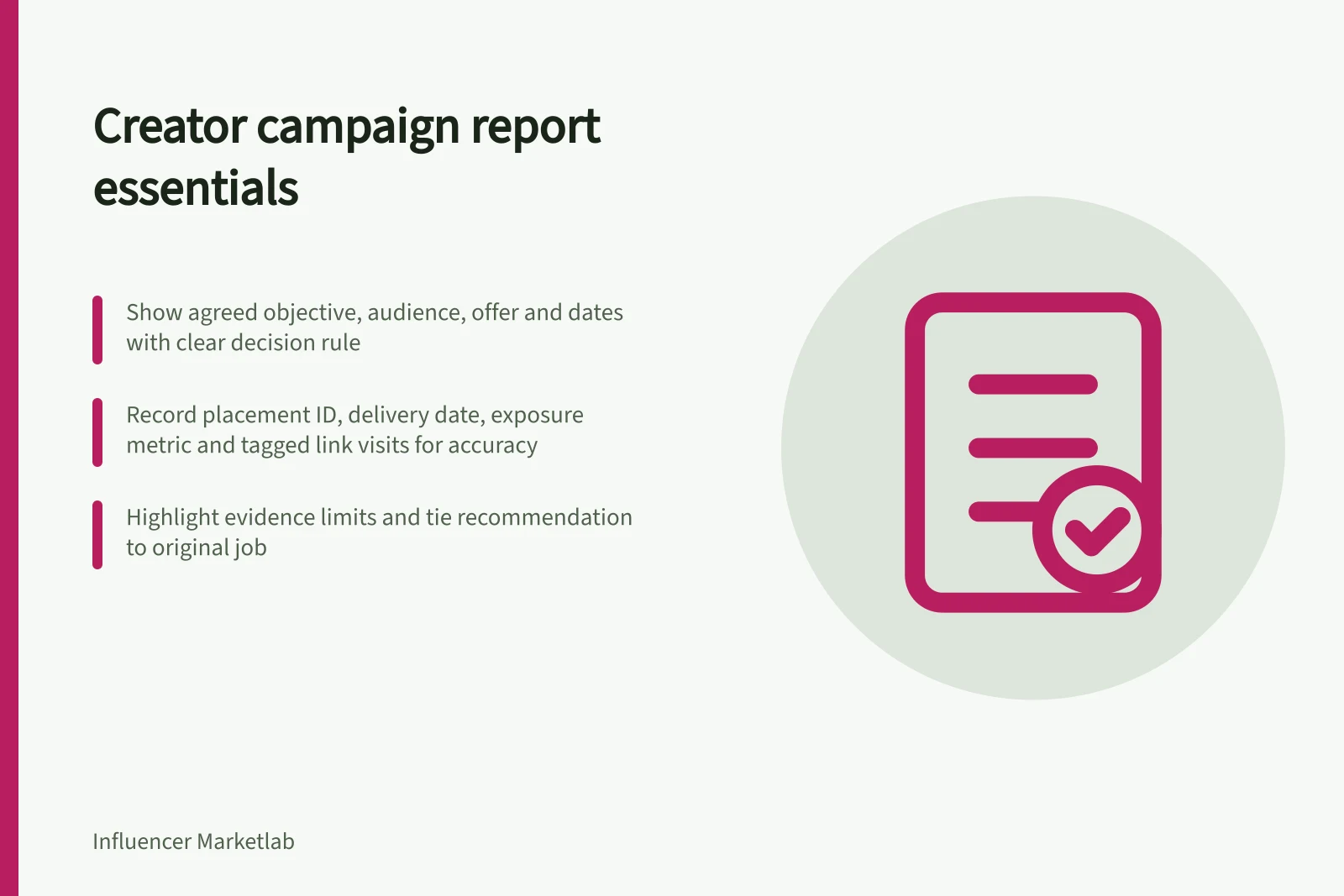
A creator campaign report should show the agreed objective, what ran, the best available evidence for that objective, the cost, the evidence limits and the next decision. A reader should not need a folder of screenshots to understand the result.
Put the brief and reporting unit first
State the primary objective, intended audience, offer, campaign dates and reporting cut-off. Add the decision the report must support. If the brief asked creators to explain a product, do not replace that objective with sales merely because an order figure is available.
Say whether each figure describes a campaign, creator or placement. Give each agreed post or paid placement an ID so its asset, result and cost can be traced without relying on a creator name alone.
Show the fields that support a decision
| Report block | Record | Keep visible |
|---|---|---|
| Objective | Agreed audience question and primary outcome | The decision rule set before results were reviewed |
| Delivery | Agreed item, final asset, account and live date | Creator posts, brand posts and ads as separate placements |
| Exposure | Platform metric, value and date range | Whether the figure is views, impressions, reach or an estimate |
| Response | Relevant questions, tagged visits or enquiries, as appropriate | Comments are qualitative; link traffic covers only that route |
| Cost | Approved amount, variations and actual spend | Consistent cost categories and GST basis where applicable |
| Decision | Continue, change, stop or gather more evidence | Reason, owner and next review date |
Mark an unavailable field as unavailable and explain whether it affects the decision. This layout does not assume every platform or creator account supplies every measure.
Match results to the original job
For awareness, show available post-level reach or views with the metric name, placement and period. For an explanation, assess whether the published content answered the intended customer question and summarise relevant audience questions.
For a traffic objective, use tagged-link visits where the placement offered a clickable route and the tags were implemented. For orders or enquiries, use the business's stated eligibility rule.
Do not turn a sum of placement results into a claim about distinct people. A combined audience figure needs a measure whose stated scope covers the placements being reported.
Put limits beside the affected figures
A correctly tagged link can identify traffic that used it in Google Analytics; it cannot identify everyone who saw the post. Attribution credit follows reporting rules and is not proof of incremental sales. Note any other promotion, stock change, broken destination or missing report that materially changes how a result can be read.
Finish with a recommendation tied to the original objective. If the content answered its question but the intended route failed, the next action may be to repair that route. If an essential audience measure was unavailable, specify the evidence to request in the next brief.