Results Measurement
Part of Measuring the business results of influencer campaigns
Choosing a campaign attribution window
Choose a campaign attribution window from measurable touchpoints and the buying path, then document settings and reporting limits.
Choose an attribution window from the customer action and the touchpoint the measurement system can observe. The window is the time after an eligible touchpoint during which a later outcome can still be credited to it.
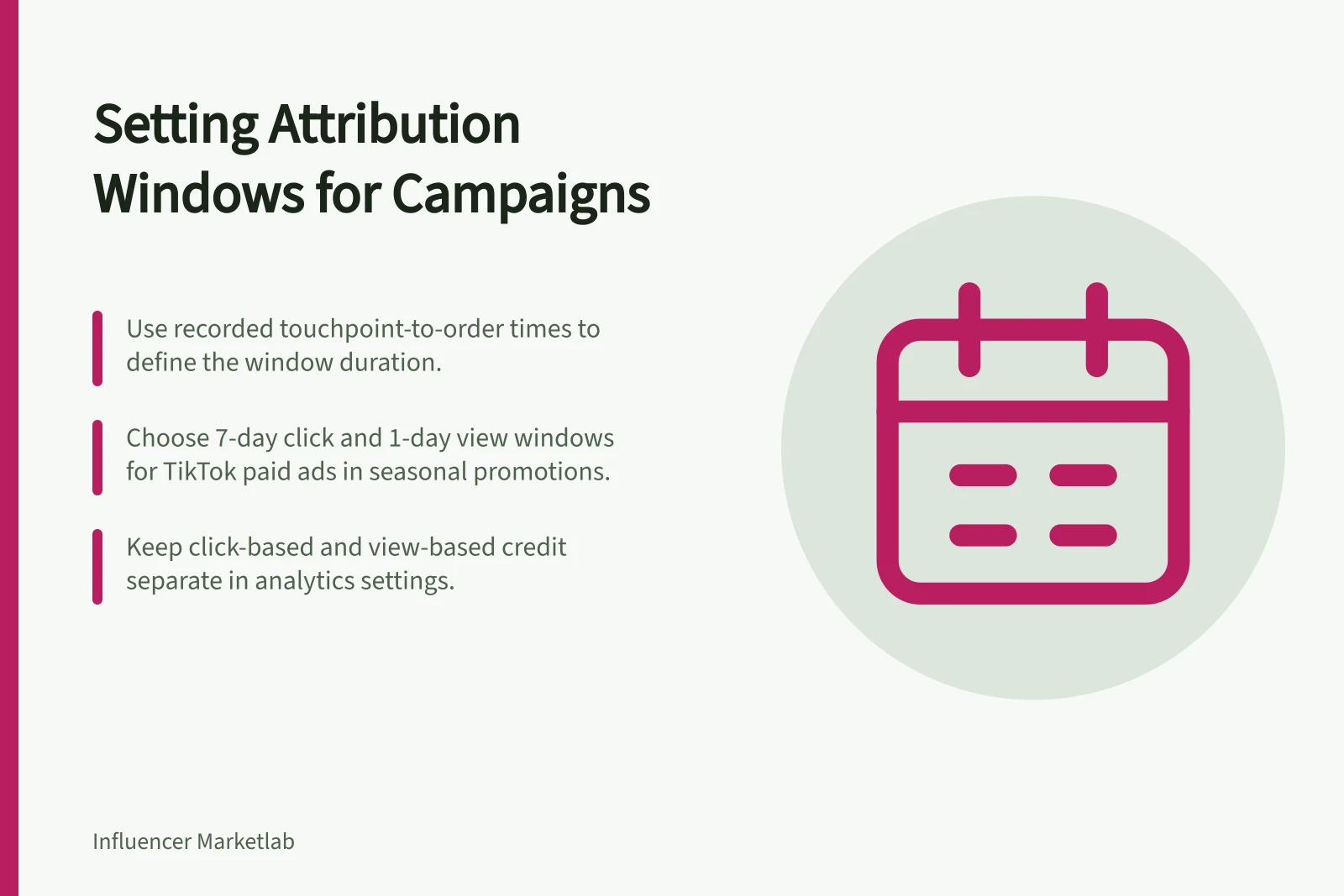
Decide the rule before reviewing results and record where it is configured. Keep click-based and view-based credit separate where both are available. A longer window can include more eligible outcomes; it does not make the campaign more effective.
Define the touchpoint and outcome first
Name the event that starts the clock. Is it a click on a creator's tagged link, a platform ad click or an eligible ad impression?
Publication of a post is a campaign date, not a record that a particular person saw it. An unpaid creator post without a measurable impression-to-order path cannot support a view-through sales count merely because the brand chooses a seven-day period.
Next define the outcome: a qualified enquiry, placed order or completed eligible order under the business's rules. Note when cancellations or returns can change that result. For a longer buying process, distinguish time from first visit to enquiry from time from enquiry to purchase.
Choose a defensible period
Start with available evidence about the buying path, such as the time from a recorded tagged visit to an eligible order. Use recorded activity to assess this timing. Unobserved creator exposures cannot be recovered from it.
Set the duration against recorded elapsed time from the measured touchpoint to the chosen outcome. Prefer the shortest period that covers the relevant observed buying path, then check shorter and longer alternatives.
For a TikTok paid-ad click, the documented Attribution Manager choices are 1, 7, 14 or 28 days. For a paid-ad view, the choices are off, 1 or 7 days; select the click and view windows separately.
As an illustration, TikTok gives a retail brand running a seasonal sales promotion as a case where a 7-day click and 1-day view window might make sense. This is a paid-ad example, not a default for tagged creator links; use the recorded buying path and the options available in your account.
If useful history is unavailable, state the planning assumption and revisit it as evidence develops. Do not choose a period after seeing which one produces the largest credited total.
| Decision | What to ask |
|---|---|
| Shorter window | Would it exclude purchases that plausibly follow a measured visit because buyers usually need more time? |
| Longer window | Would it include more unrelated activity and make the creator’s role harder to interpret? |
| Click versus view | Was a click recorded, or only an eligible paid-ad impression under that platform’s rules? |
| Campaign end | How long after the final post will orders and adjustments be observed? |
Keep the attribution window distinct from the reporting period. The team may inspect orders after the final post while applying a separate rule about how old a measured touchpoint may be when an order occurs. State both periods.
Check the system applying the rule
Check the analytics system's attribution settings and their scope before applying a window. Do not assume an attribution setting is limited to one creator campaign.
Before changing an attribution setting for one creator campaign, assess its potential effect on other reporting and record the setting. Record the attribution model too: a data-driven model can assign fractional credit. Credited purchases are not proved incremental sales.
Paid ad platforms may offer their own click-through and view-through windows. TikTok describes view-through attribution as conversions after an ad view without a click within its window.
TikTok's documented Attribution Manager options for web and app campaigns are click-through windows of 1, 7, 14 or 28 days and view-through options of off, 1 or 7 days. For TikTok Pixel and Web Event API advertisers, TikTok lists a default of 7-day click and 1-day view. These choices and defaults should not be assumed for other accounts or campaign types.
TikTok recommends 24 hours (1 day) for VTA and says most MMPs provide VTA windows from 1–24 hours. Its 24-hour recommendation is not a stated maximum; the 1-day default applies to the TikTok Pixel and Web Event API advertisers noted above.
TikTok places Attribution Manager under the Assets menu in Ads Manager. Google Analytics attribution settings are relevant, but no setting name, location, default or numerical lookback limit is specified here; check the actual controls before treating a value as the applicable window.
That is a paid-ad measure under TikTok's rules, not a way to infer who saw an unpaid creator post. Platform and Google Analytics totals may differ because their windows, models, event dates or eligible touchpoints differ. Compare their definitions before interpreting the variance.
Where the data permits, show a shorter and a longer window alongside the chosen one as a sensitivity check. For TikTok click windows, for example, compare available alternatives such as 1, 7 and 14 days; assess view options of off, 1 and 7 days separately. Label these as alternative readings of the same activity, not results to add together.
If exposure cannot be linked to a customer action, state that limit and apply the window only to the measurable route.
Key Attribution Metrics by Platform
- TikTok View-Through Default
- 1 day
- Typical MMP VTA Window Range
- 1–24 hours
- Google Analytics Lookback Limit
- Not specified – check actual controls