Brief Writing
Part of Influencer campaigns for new product launches
Briefing creators before an embargo lifts
Give creators a usable pre-launch brief with a precise embargo time, permitted preparation, final checks and a plan for announcement changes.
An embargo brief should give creators the facts and access they need to prepare, while making the publication boundary unmistakable. State the release date, time and time zone, what may appear beforehand, who can answer questions, and what happens if the announcement moves.
Separate preparation from publication
Send a release sheet with the product name, checked specifications, included accessories and any confirmed price or offer. Mark provisional details clearly. Identify any difference between a pre-release unit and the version customers will receive. Ask creators to show only features they have used and can represent accurately.
List permitted activity before the lift. A creator might be allowed to film privately but barred from publishing a teaser, mentioning the product in a livestream or showing its packaging in another post. If teasers are allowed, define their limits. Include scheduled material and work prepared by an editor or agency for the creator.
Pre-Launch Embargo Timeline for Creators
- Send release sheet with product details
- Before embargo lift
- Permitted pre-release activity window
- As defined in brief (e.g., private filming only)
Give one clear release instruction
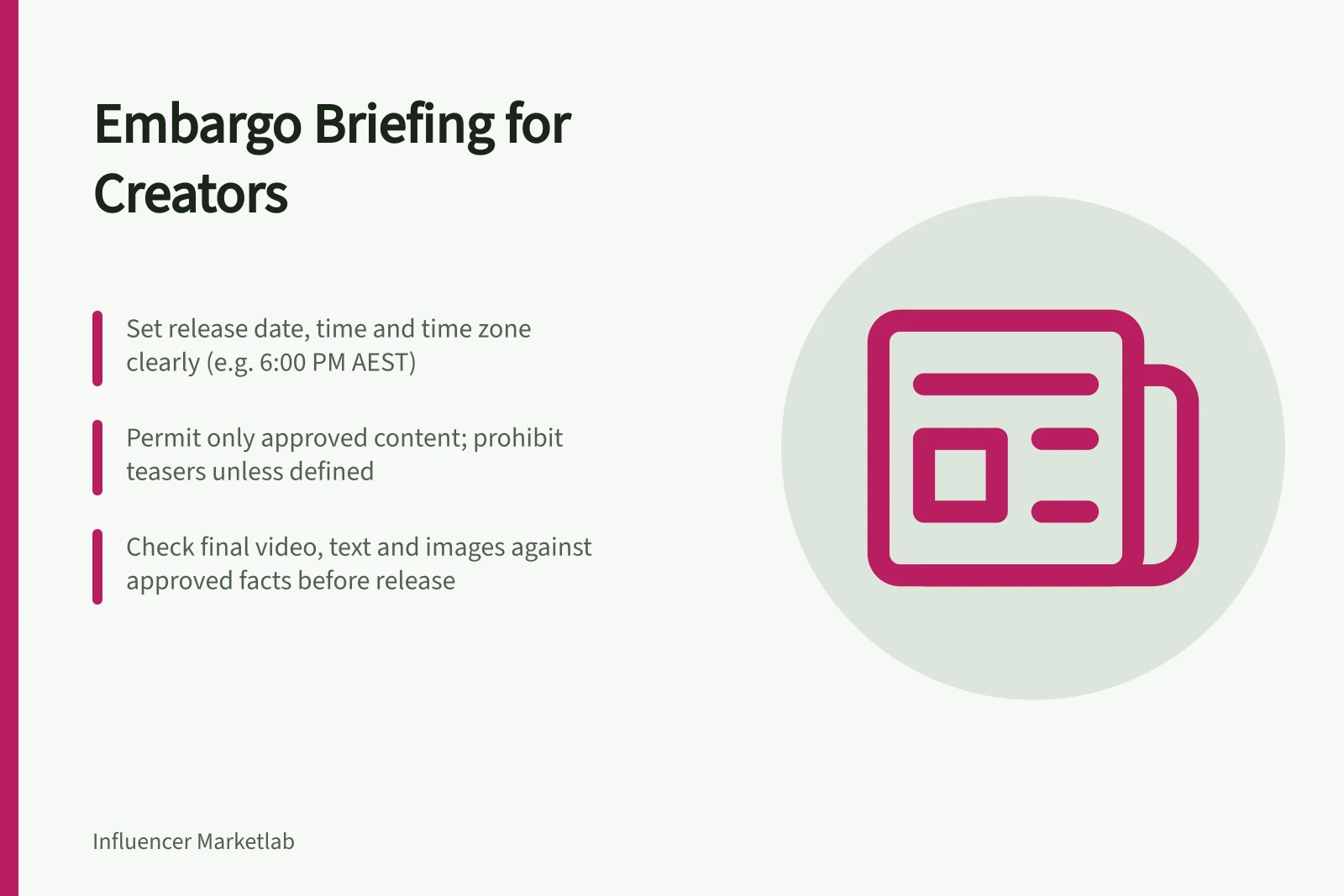
Write the date, local time, named time zone and, where participants are in different regions, the equivalent time for them. "Midnight" is ambiguous; AEST and AEDT are different offsets. Include the approval deadline and a contact for urgent changes. Ask the creator to acknowledge the current version of the release sheet.
Set a check shortly before the lift. Confirm that the announcement page and product facts still match the approved content, then send a release or hold message. Check the scheduling tool's actual edit and cancellation limits in advance; a scheduled post may be difficult to stop once processing or publication begins.
Review what viewers will see
Check the video, on-screen text, caption, cover image and destination together. A correct script can still be undermined by a prototype label visible on screen or an unsupported delivery estimate. The ACCC advises businesses to avoid false or misleading claims and can require businesses to back up claims made on social media.
For a commissioned promotion, state the commercial-disclosure requirement in the brief and review its appearance in the final placement. An embargo controls timing; it does not turn a creator's untested claim into first-hand experience.
Handle a changed announcement
If the date moves, send a replacement release instruction and identify assets that need changing. Agree with the creator whether existing footage remains usable and whether the new schedule changes the work or fee. Australian Government contractor guidance lists documenting contract variations. Retire the old instruction so nobody mistakes it for the current release.
After the lift, check what was published and when. If a post went out early, first assess the public claims and contact the creator promptly. Removing a post may limit further viewing, but it cannot guarantee that nobody saw or captured it.